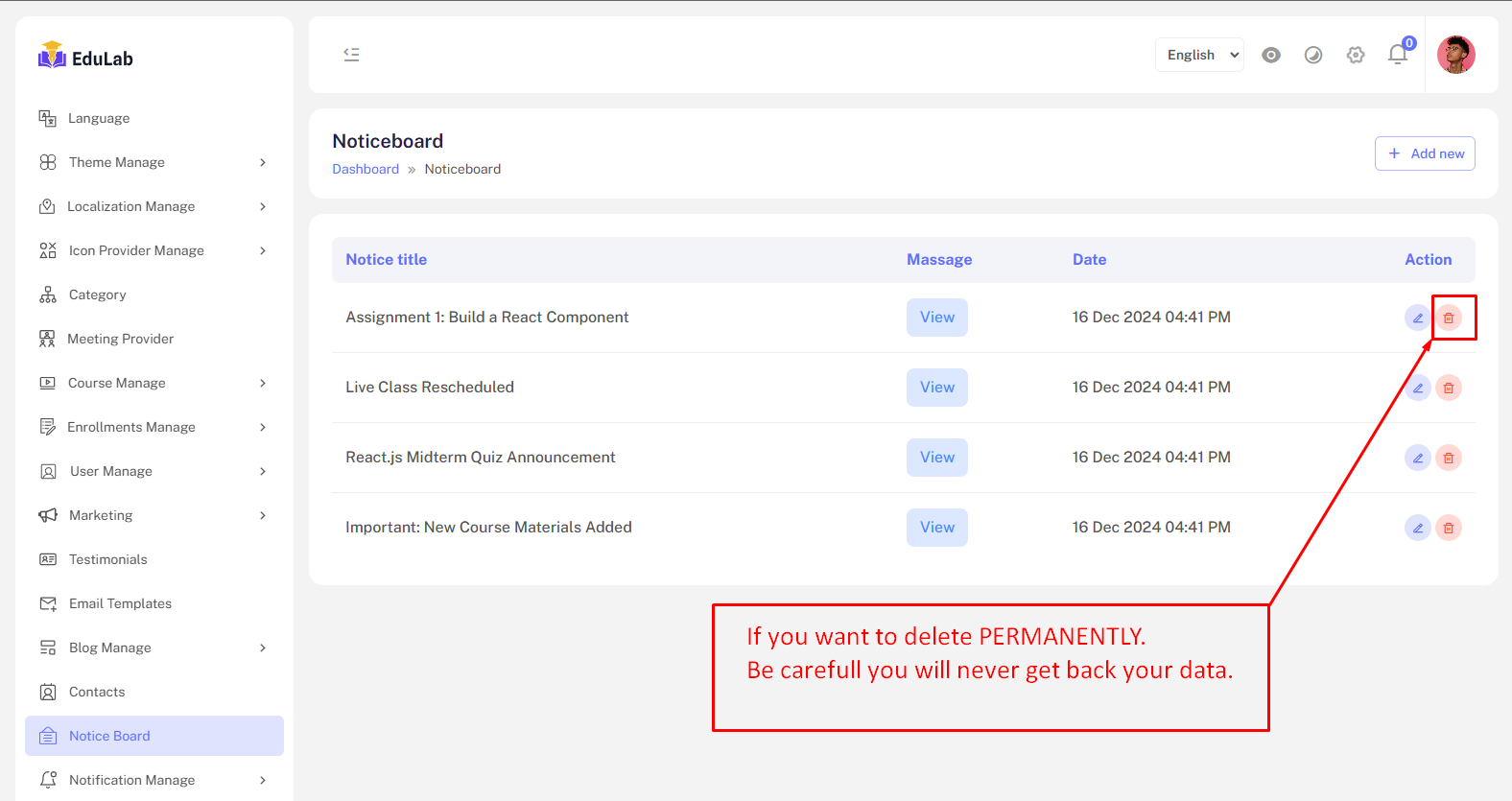
Notice Board
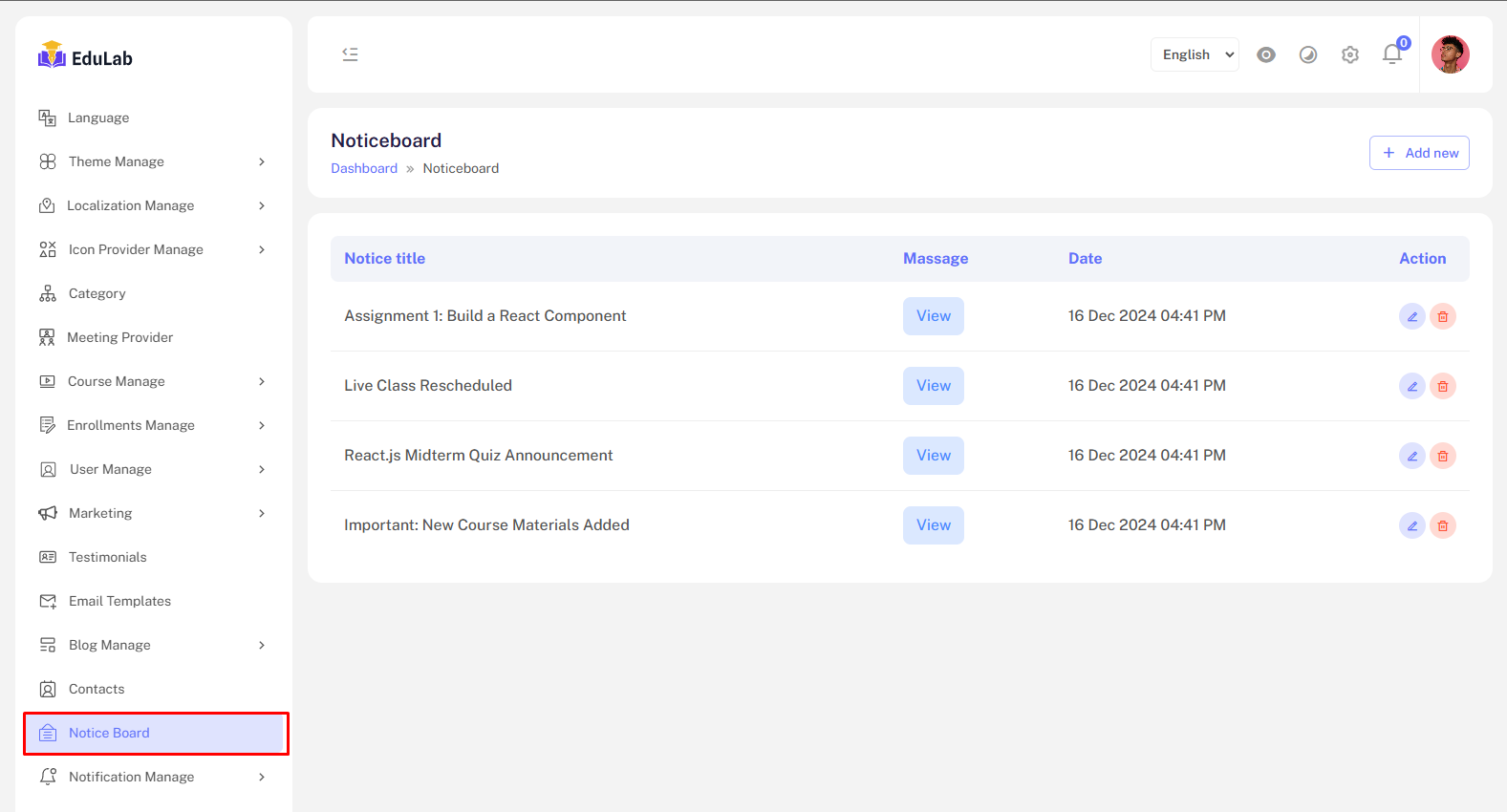
Go to Admin->Notice Board
The Notice Board Management feature provides to manage Notice Board. Administrators can:
Notice Board list
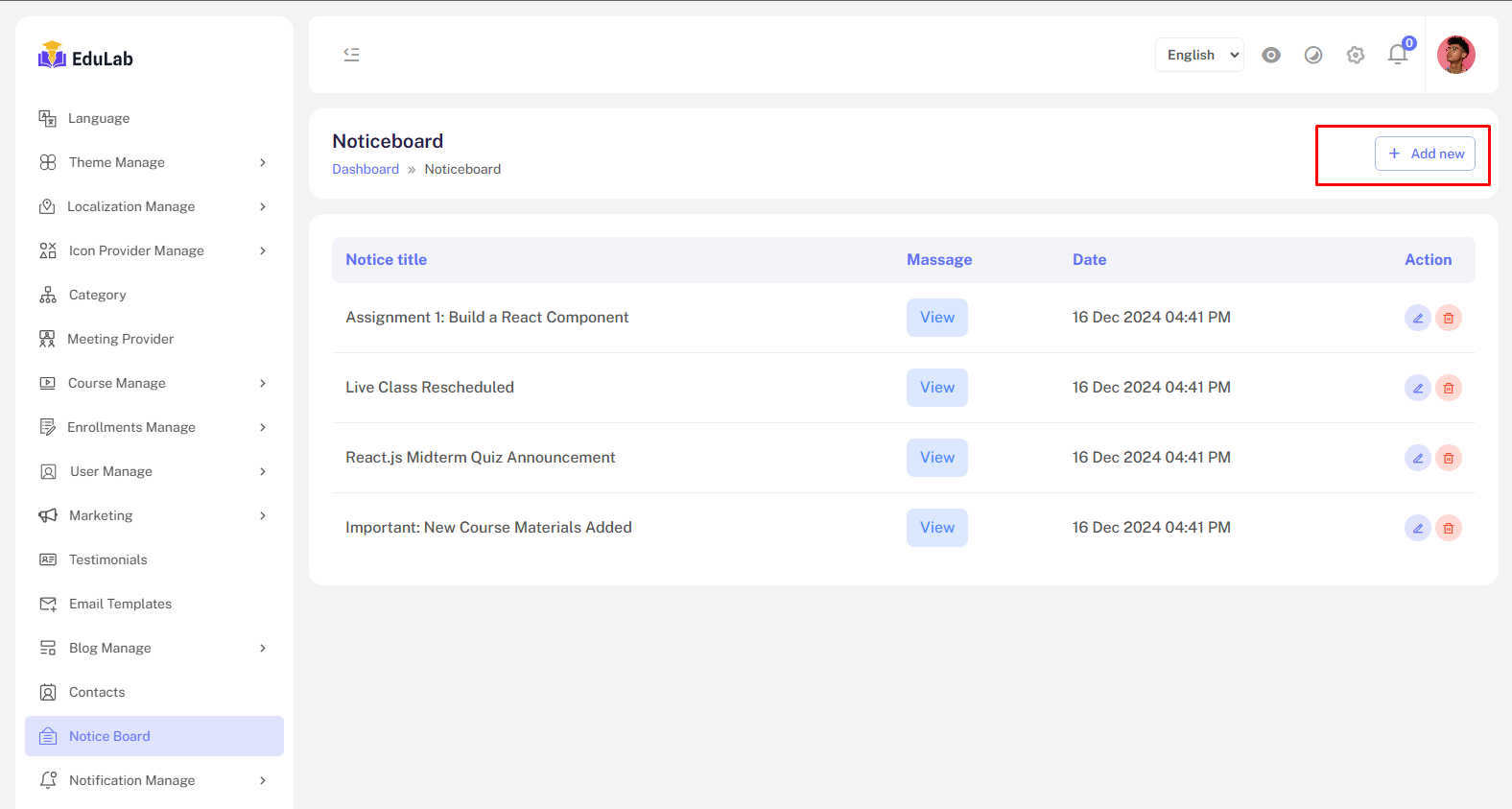
Create new noticeboard
Step 01: Click on Add New button
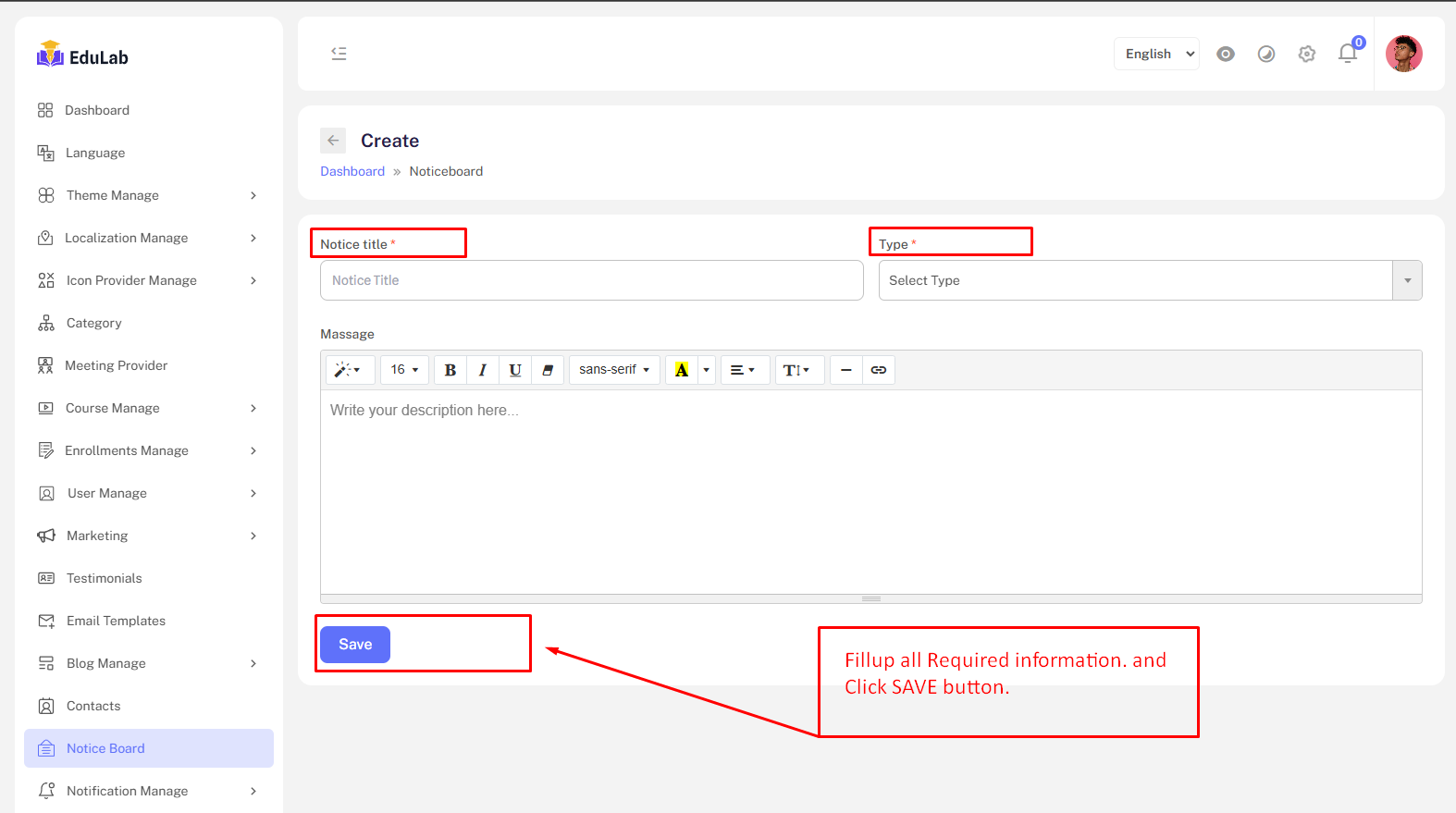
Step 02: Fill the information and click the Save button
View Notice
Step 01: Click on view button
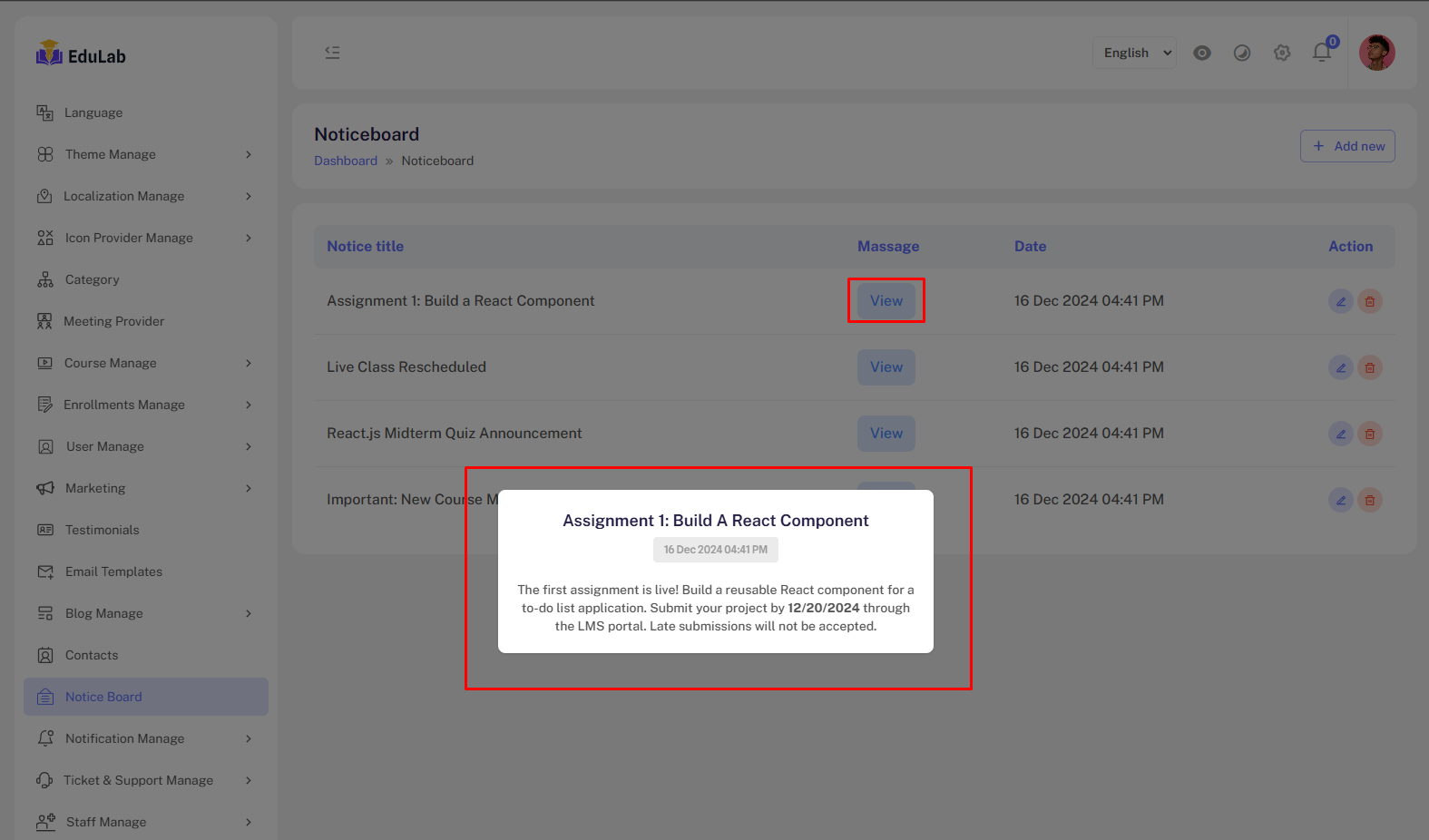
You will see a popup. Where you should see details about the notice.
Edit
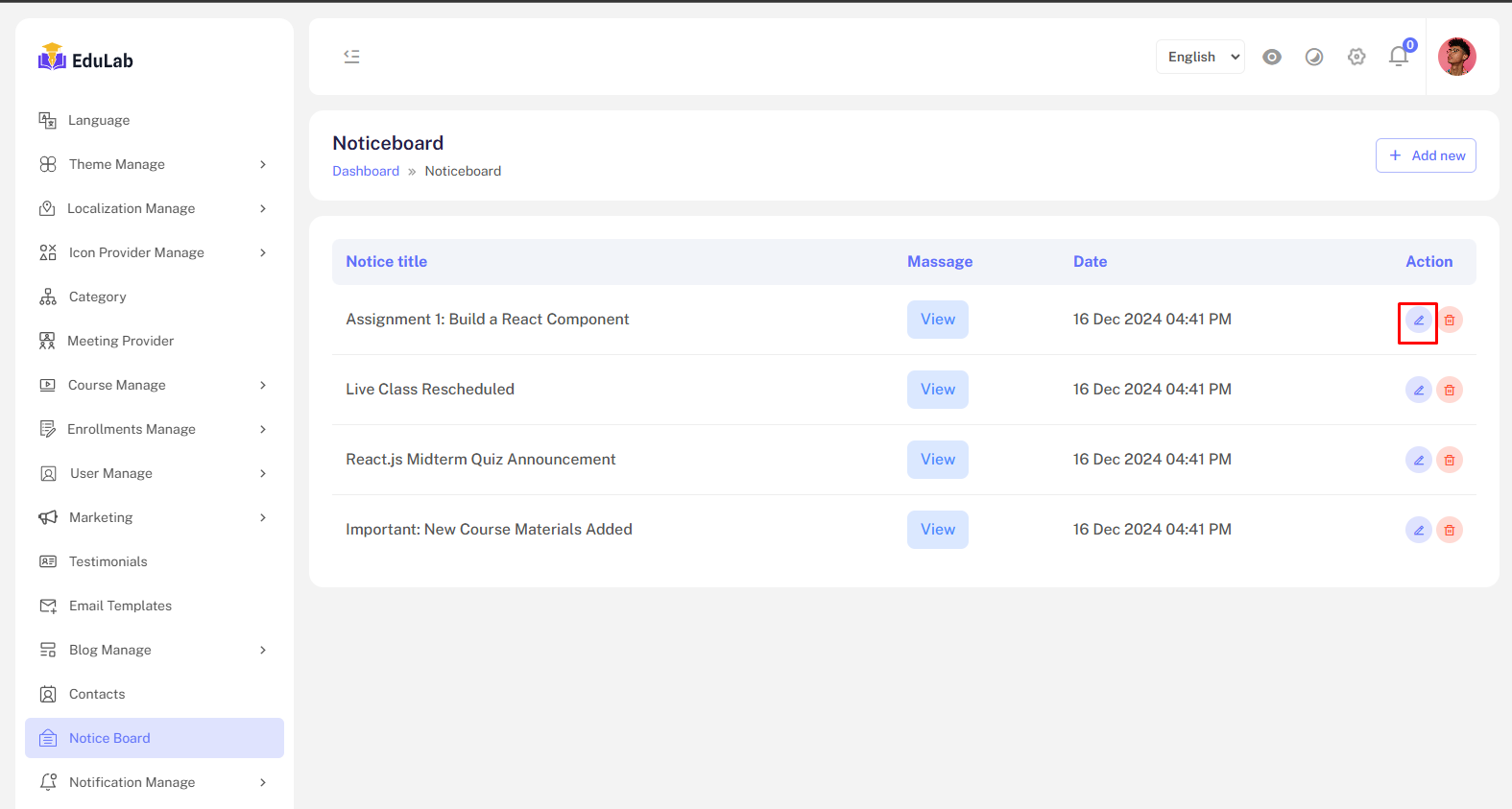
Step 01: Click on edit button
Permanent Delete
Step 01: Click on the delete button