Time Zone
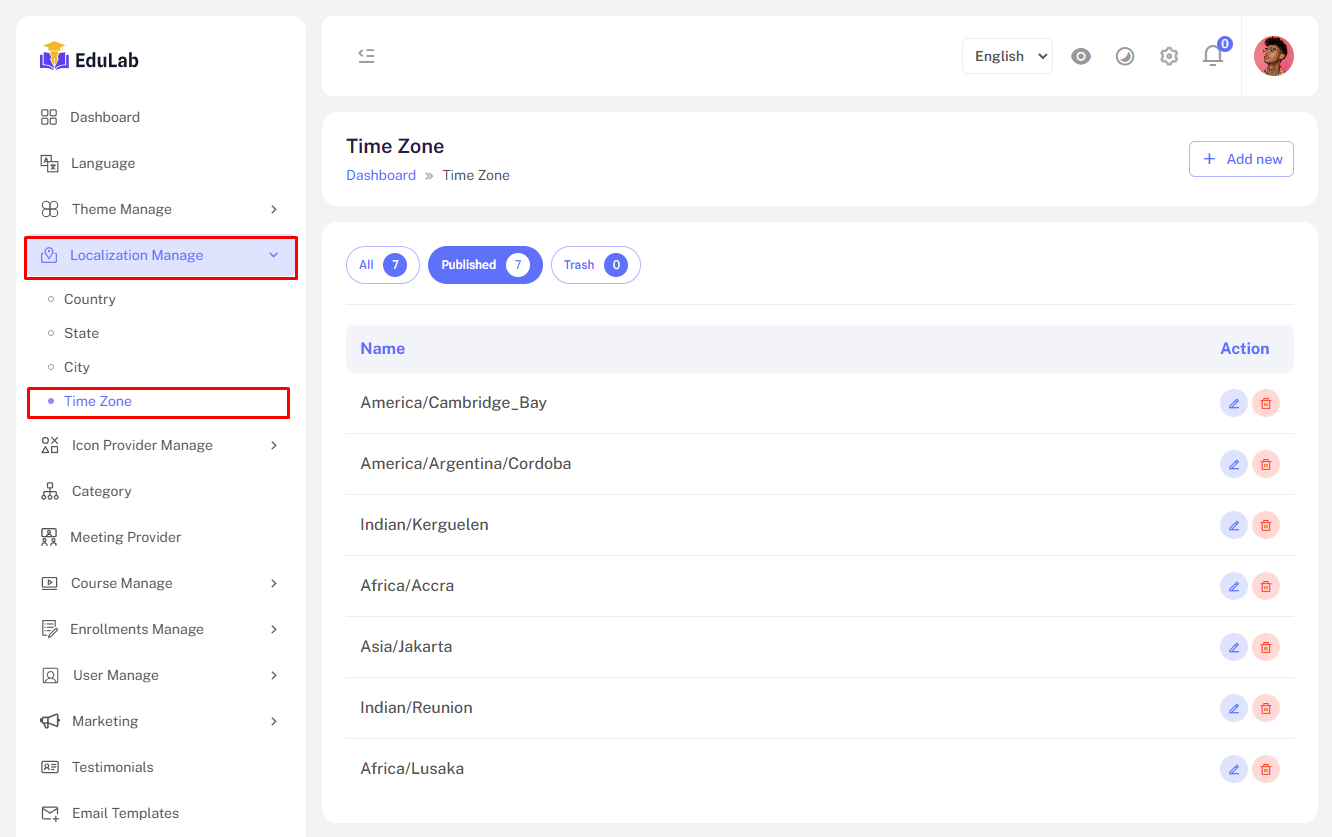
Go to Admin->Localization->Time Zone
The Time Zone Management feature provides to manage Time Zone. Administrators can:
Time Zone list
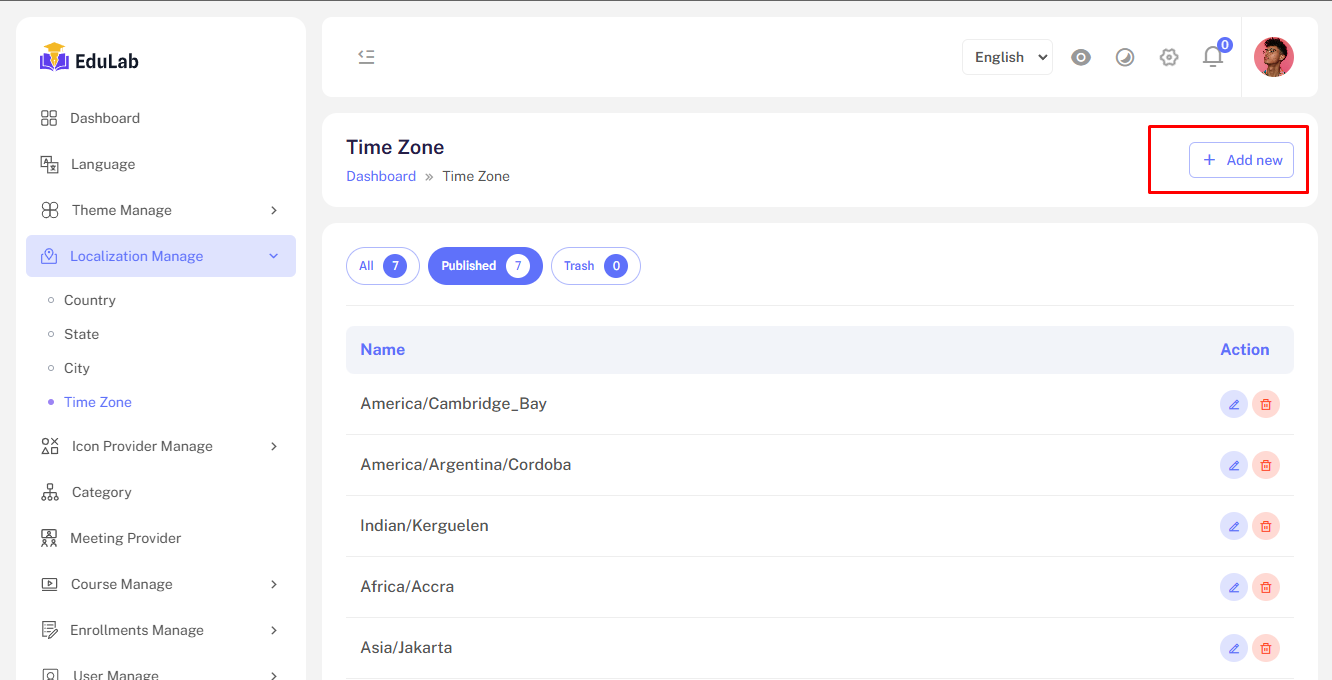
Create new time-zone
Step 01: Click on Add New button
Step 02: Fill the information and click the Save button

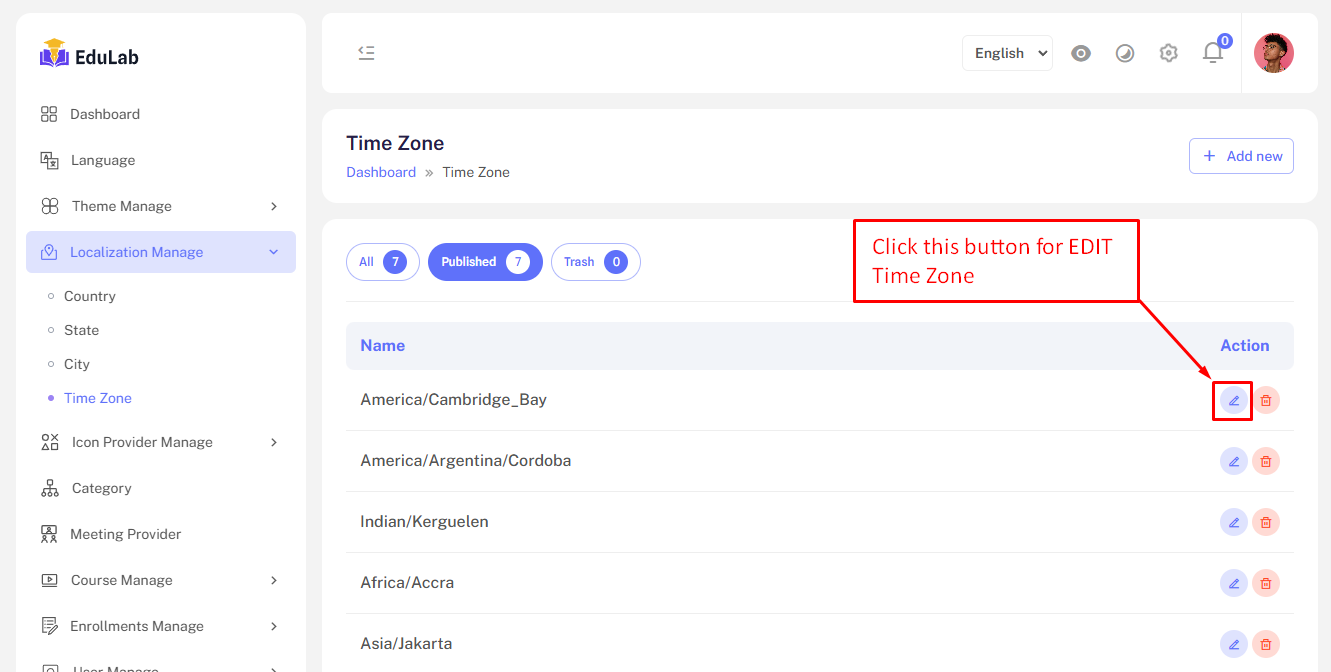
Edit
Step 01: Click on edit button
Delete
Step 01: Click the delete button
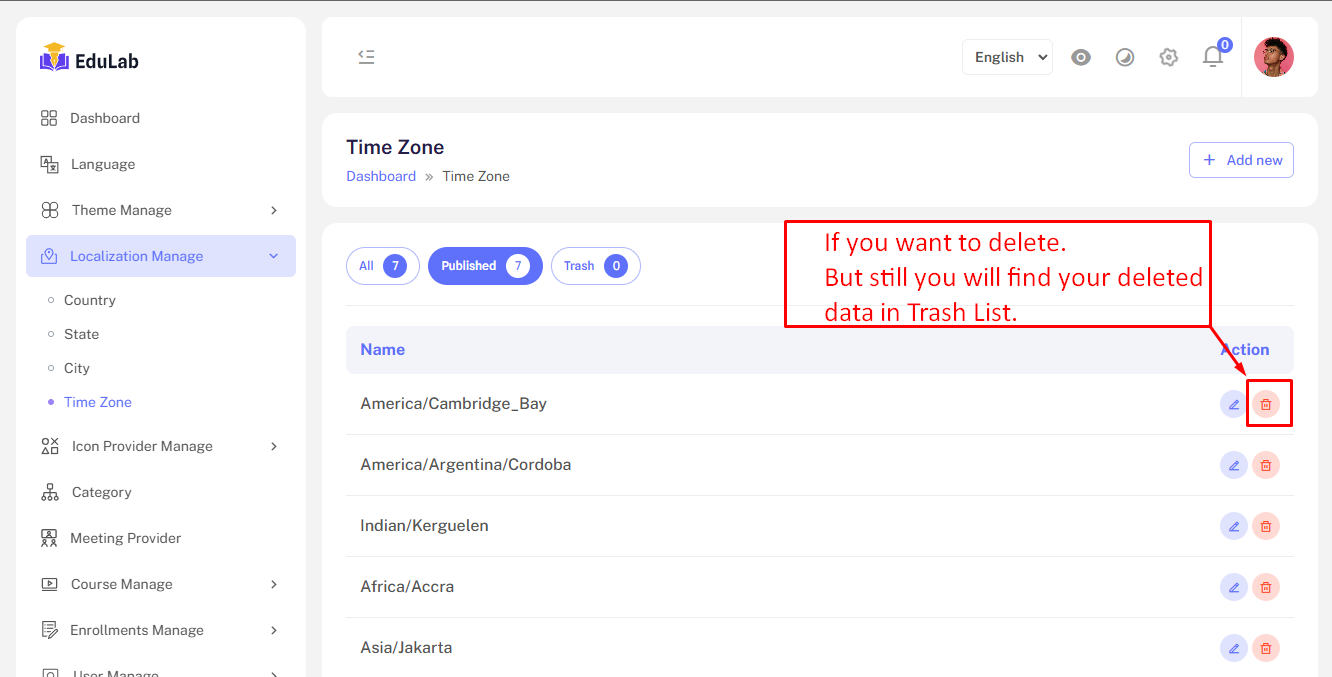
Don't worry we just move the data into trash and you can restore easily from trash tab.
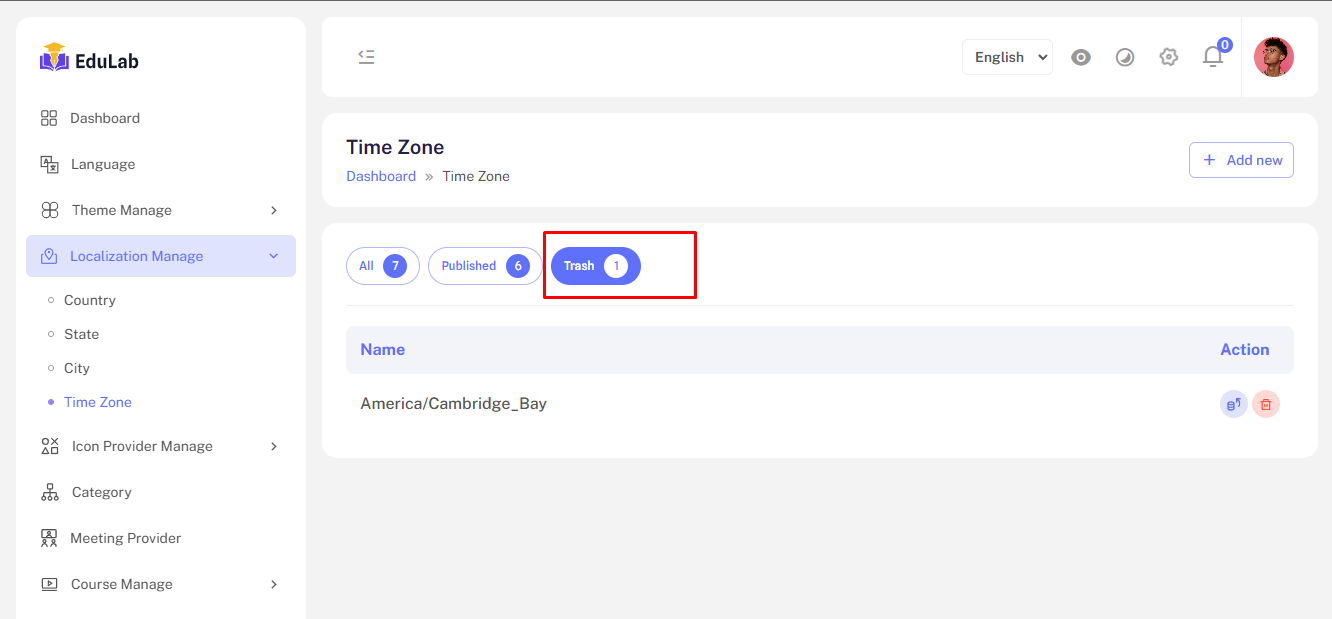
Trash
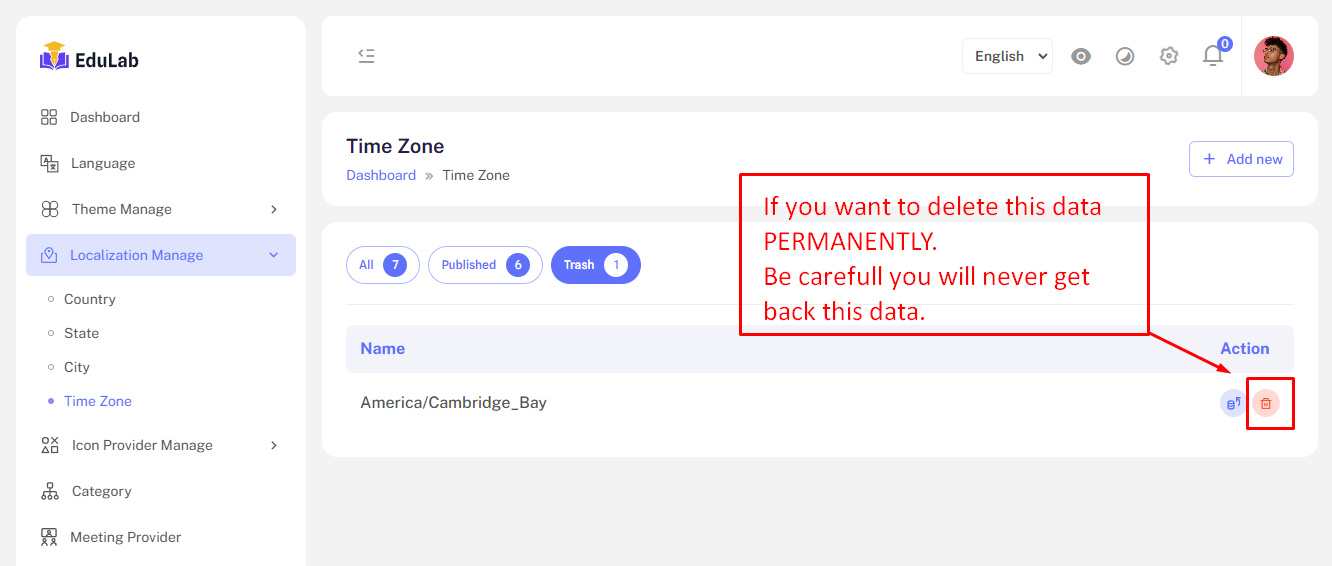
Click on trash button to see trashed time-zones.
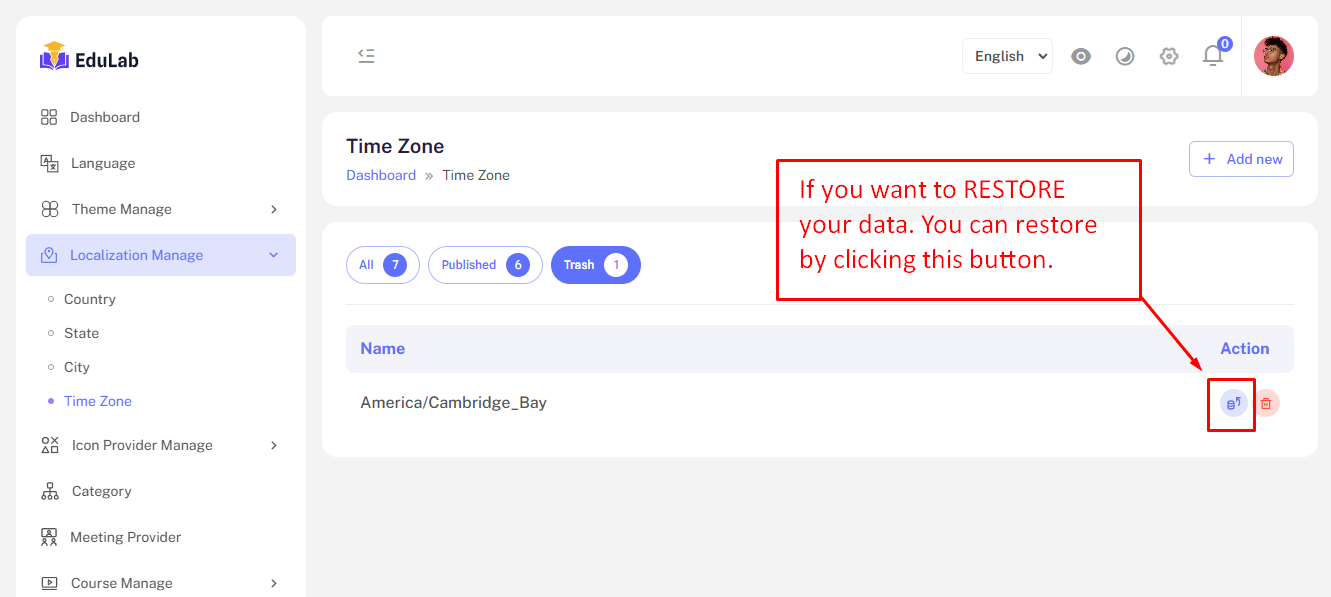
Restore
Click on the restore button to restore and republish the deleted time-zone.
Permanent Delete
Step 01: Click on the delete button